FlowPaper vs FlipHTML5: make your content shine
Turn your PDF into a publication that's easy to read and share
Both platforms help you create online publications. Choose FlowPaper for a straightforward way to enhance your PDF, arrange content visually and publish with FlowPaper Cloud or on your own website with a supported paid plan.
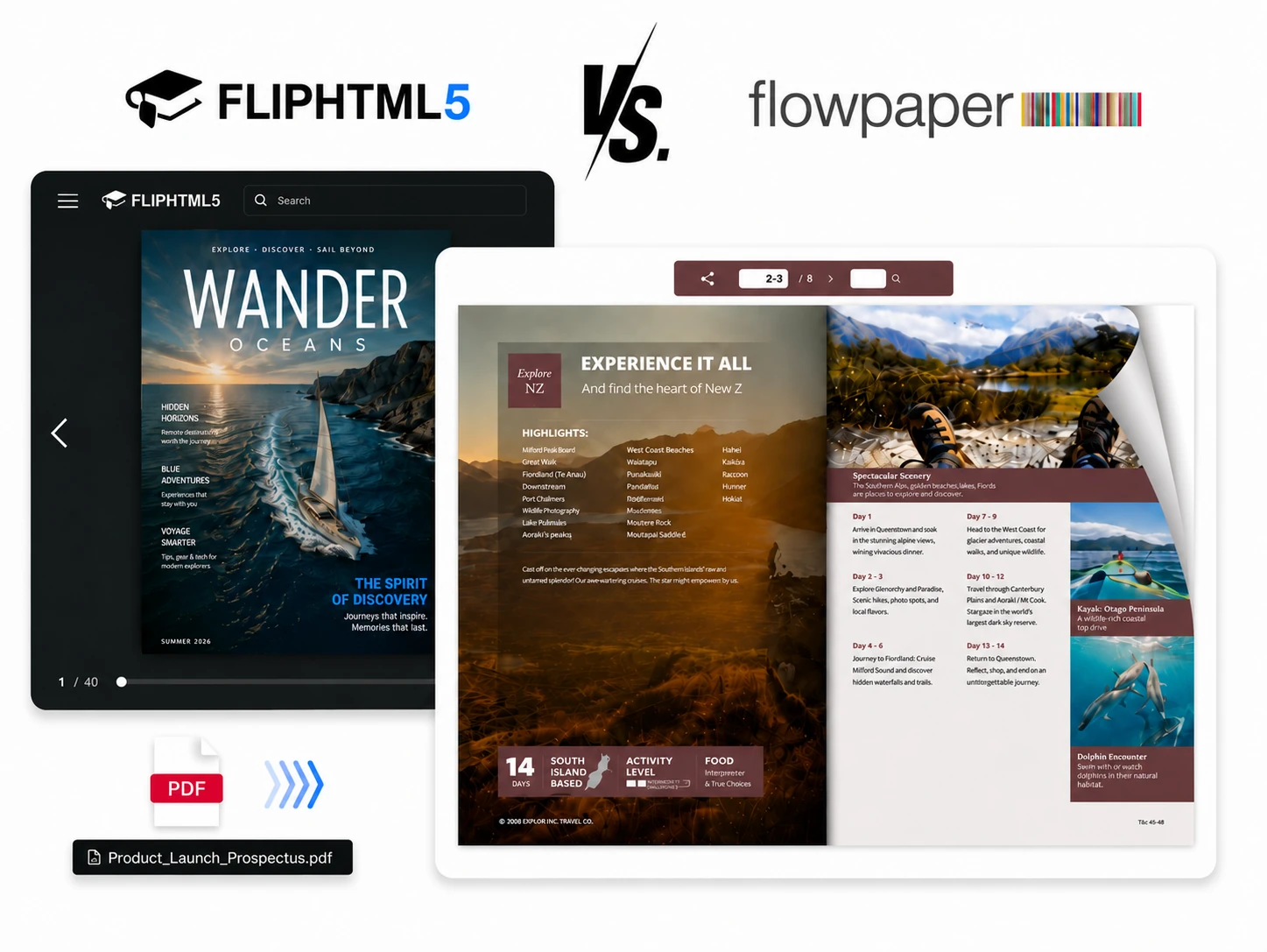


At a glance
| What matters to you | FlowPaper | FlipHTML5 |
|---|---|---|
| Getting started | Start with a PDF and publish on a free plan. | Start from an uploaded file or a template. |
| Editing | Add links, images and videos and drag them into place. Arrange sections in Mobile First layouts, too. | Customize publications with templates, media and interactive elements. |
| Reading | Choose page-turning effects and keep text clear when readers zoom in. | Offers page-flipping publications with interactive media. |
| Publishing | Share with FlowPaper Cloud or host on your own website with a supported paid plan. | Share links, embed publications and use available download options. |
| Understanding readers | Explore reader activity and heatmaps on supported plans. | Offers statistics and analytics features. |
| Plans | Free and subscription plans, plus a one-time Zine license. See FlowPaper plans. | Free and paid options. See fliphtml5.com for current plans. |
Why FlowPaper stands out
- Easy visual editing: add links, images and videos without coding, then drag them into place. Arrange sections in Mobile First layouts, too.
- Clear details: let readers zoom in on text and images in catalogs, brochures and magazines.
- Your choice of publishing: use FlowPaper Cloud or host on your own website with a supported paid plan.
- Flexible payment: start free or choose a one-time Zine license. Cloud hosting and updates are subject to service terms.
- Know what readers notice: explore analytics and heatmaps on supported plans.
When to consider FlipHTML5
FlipHTML5 offers a broad range of templates, interactive elements and AI-assisted tools, and accepts several file formats.
Choose the right fit
Choose FlowPaper when you want to bring an existing PDF to life, arrange content visually and choose where to publish. Check current plans for the features and hosting you need.
Browse FlowPaper examples or see how to add images to a flipbook.